
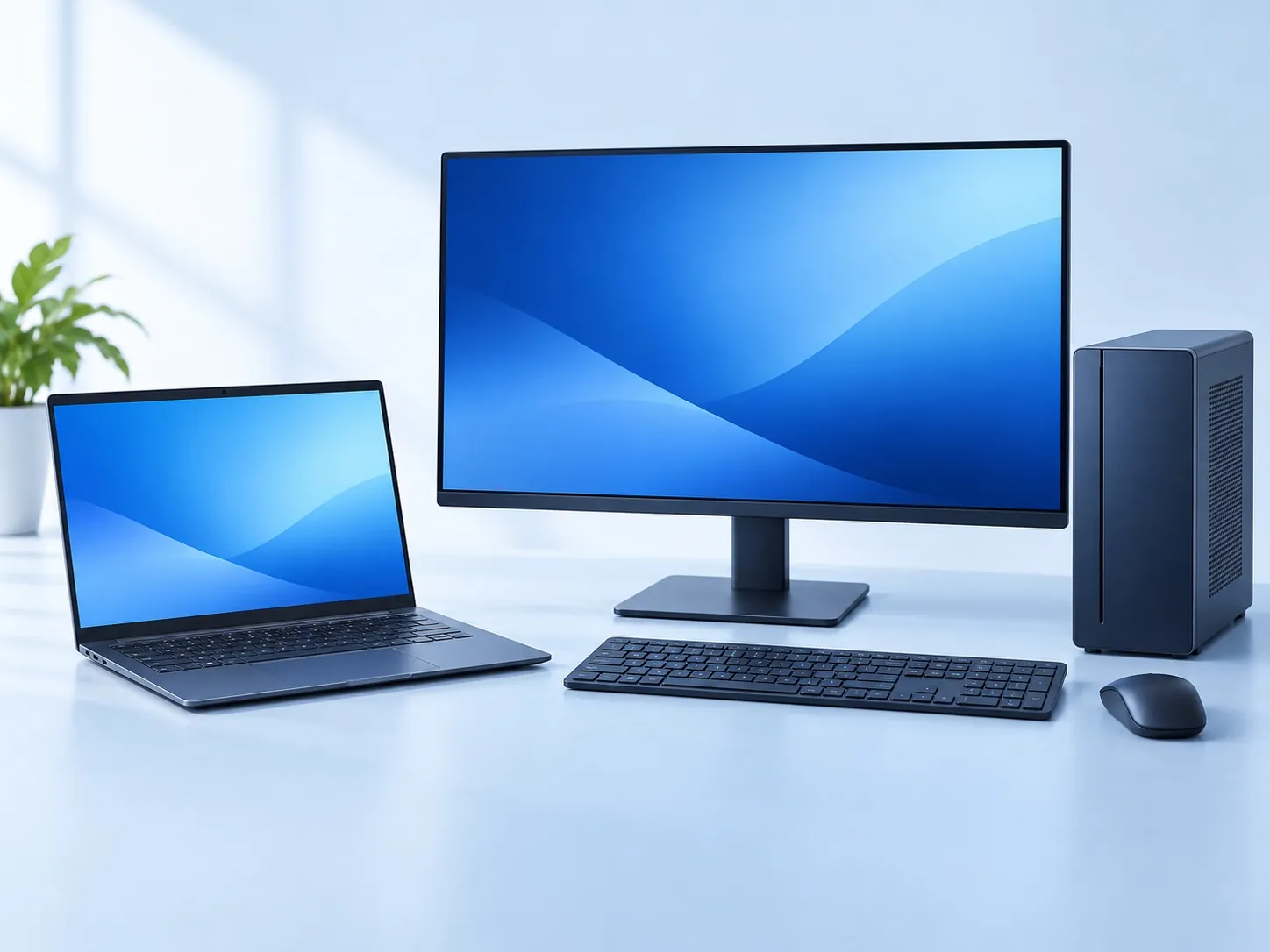
Computer Care helps customers choose laptops and desktops from its shop near IIT Roorkee’s Century Gate. Students, home users, offices and institutions can discuss their requirements directly with Satish, including enquiries from Haridwar and Saharanpur.
Tell us what you use today and what is not working for you. The right choice may be a portable laptop, a desktop with a larger workspace or a custom desktop assembled around specific applications. Current models, prices and availability are confirmed on call.
Laptop or desktop: start with how you work
| Your requirement | What to compare |
|---|---|
| Move between classes, home and work | Laptop weight, battery condition or expected runtime, charger and portability. |
| Work mainly at one desk | Desktop configuration, monitor, keyboard, desk space and power arrangements. |
| Run specialist applications | The exact software requirements, operating system, processor, memory and graphics. |
| Buy for a lab or office | The number of seats, shared software, peripherals, networking and maintenance scope. |
Compare the whole configuration
A processor label alone does not describe the machine. Compare the exact model, memory, storage, graphics, display and upgrade options against your applications. Ask which components can be changed later; laptop memory and storage arrangements differ by model.
For a Windows purchase, confirm that the machine meets the supported operating-system requirements and that the quoted software is appropriately licensed. Microsoft’s Windows 11 requirements include compatible hardware and security features; installation alone is not a substitute for checking compatibility.
- Everyday useDescribe your browser workload, documents, online classes and calls, including how many applications you keep open.
- Engineering or creative workBring the names and versions of software used on your course or at work, rather than relying only on “student laptop” or “design PC” labels.
- Institutional useShare the applications each department uses and the expected equipment life, so the purchase and support discussion has a clear brief.
Compare the complete purchase cost
Ask what the quoted price includes: the computer configuration, display or peripherals, operating system, necessary licences, setup and any requested accessories. Confirm manufacturer warranty terms for the exact model and the support route after purchase.
If budget is the main constraint, consider refurbished laptops or refurbished desktops alongside new equipment. If your current machine still meets most needs, a repair or upgrade assessment may also be useful. Compare complete options rather than assuming a replacement is always necessary.
What to bring to the conversation
Share your budget range, preferred format, applications, required delivery or collection date and any accessories you already own. For multiple computers, provide the quantity, intended users and whether you need similar configurations across the fleet.
Schools and businesses can discuss network installation and ongoing maintenance separately from the equipment purchase. Confirm the scope of each so procurement, installation and support are clear.
BEFORE YOU DECIDE
Questions about buying a computer
Do you have every brand and model in stock?
Availability changes. Call with the configuration or model you want and confirm current stock and pricing before visiting. A brand mentioned on the website does not mean every model is immediately available.
Can you help an IIT Roorkee student choose a laptop?
Yes. Bring your course software list and budget. Our student computer services page explains what to prepare and how to discuss suitable options.
Are software and accessories included?
Confirm the exact bundle before buying. Operating-system licences, application licences, monitors, peripherals and setup can vary between quotes.
Can an institution enquire about several desktops?
Yes. Share the quantity, applications, specifications and timeline. Discuss current availability and how the purchase will fit your network and maintenance plans.
Useful technical references
Microsoft: Windows 11 hardware requirements ↗