
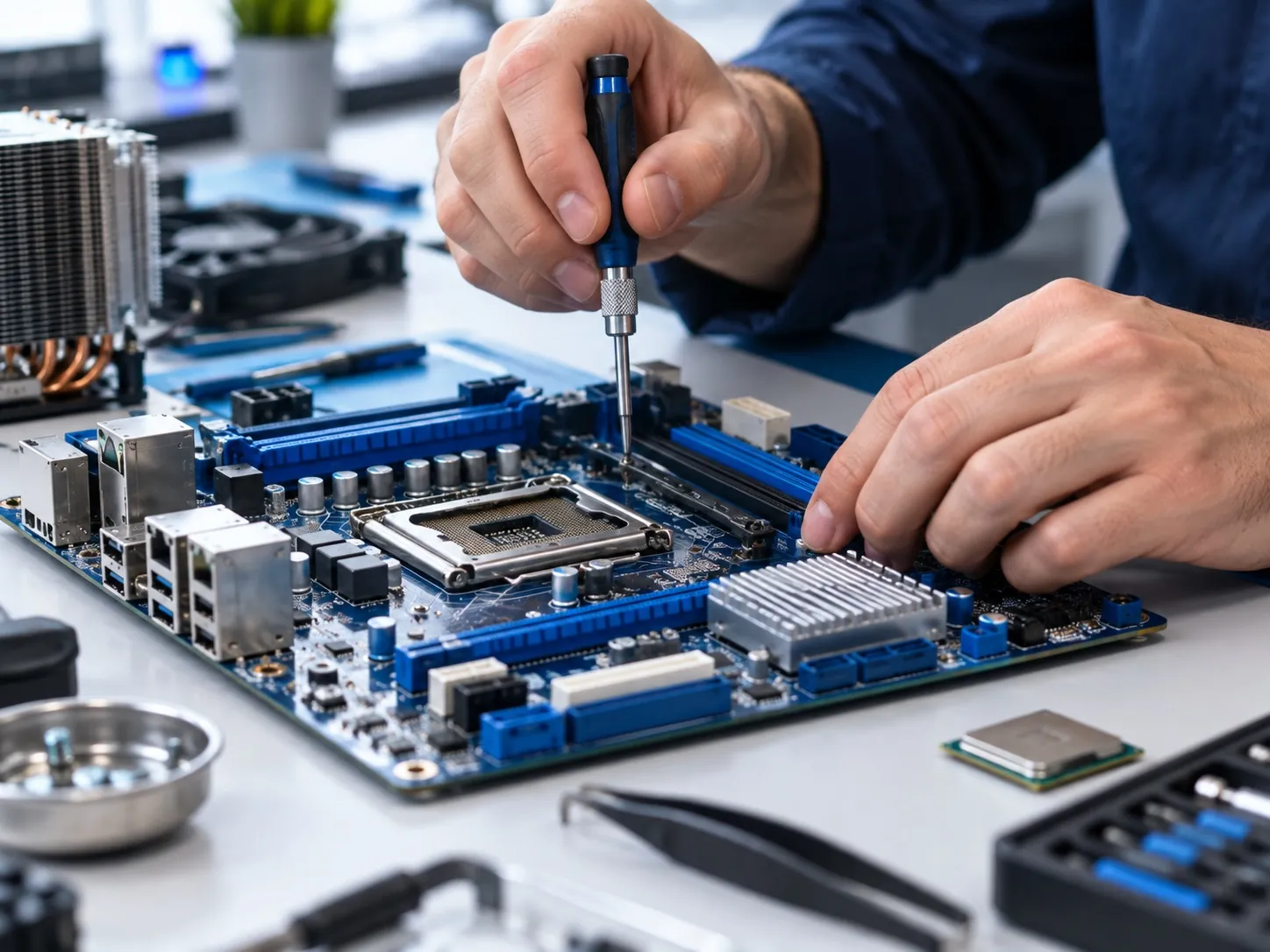
Computer Care helps students, families and businesses with laptop and desktop troubleshooting, hardware repairs, upgrades and software setup. Bring your computer to our first-floor shop near Century Gate in Roorkee, or call Satish first to explain the fault. Customers in Haridwar and Saharanpur can discuss the practical arrangements before travelling.
The useful first question is not simply “How much is a repair?” It is what has failed, whether the fault can be reproduced and whether the repair makes sense for the computer you own. Describe what changed, any error message and how urgently you need the machine.
What can you get help with?
- Startup and hardware faultsExplain whether the machine has no power, stops during startup or behaves intermittently. The exact model and symptoms help establish the next diagnostic step.
- Slow performance and upgradesDiscuss memory and storage upgrades where the hardware supports them. A slow machine may also need software troubleshooting, so replacing parts is not automatically the first answer.
- Windows and software setupAsk about installation, drivers and application setup. Confirm any licence requirements and what will happen to existing files before work begins.
Repair, upgrade or replace?
Compare the proposed work with the computer’s condition, age, intended applications and remaining useful life. An upgrade that helps everyday office work may still be unsuitable for demanding design software. Battery, display and hinge condition matter alongside processor speed.
If replacement is the better option, compare new laptops and desktops with refurbished laptops or refurbished desktops. Ask for the complete cost of each option, including any necessary setup, accessories or licences.
Repair cost and turnaround
A quote depends on the fault, replacement parts, labour and testing required. Availability of compatible parts can affect timing. Tell Satish about an approaching exam, submission or business deadline at the start; confirm the realistic turnaround for your particular job.
Ask what diagnosis involves, whether there is a diagnostic charge, what the proposed repair includes and which warranty terms apply to supplied parts or work. A clear scope and an agreed turnaround help you decide with confidence.
Before bringing your computer in
- Back up important filesKeep a separate copy of work you cannot afford to lose if the computer is accessible. Discuss data handling before any reinstall, formatting or drive replacement.
- Bring the model and fault detailsNote when the problem occurs and bring the charger if it relates to power or charging. A photo of an error message can help explain an intermittent fault.
- Check existing warranty coverIf the device is still covered by a manufacturer’s warranty, check its terms and support route before paying for independent repair.
BEFORE YOU DECIDE
Laptop repair questions
Can you quote without seeing the laptop?
You can discuss the symptoms on a call, but the exact fault and parts needed may require inspection. Ask what can be estimated remotely and what must be confirmed after diagnosis.
Will a Windows reinstall erase my files?
A reinstall or change to storage can affect existing data. Explain what you need to keep, back up accessible files and confirm the installation method before proceeding. Do not assume file recovery is included in a repair.
Can I get help near IIT Roorkee?
Yes. Computer Care is in Nanda Building near Century Gate. See our computer services for IIT Roorkee students and call with your model, issue and deadline.
Do you maintain office or school computers regularly?
For repeated support needs, discuss an institutional computer AMC rather than treating every breakdown as a separate arrangement. Equipment coverage and service terms are agreed for the institution.