
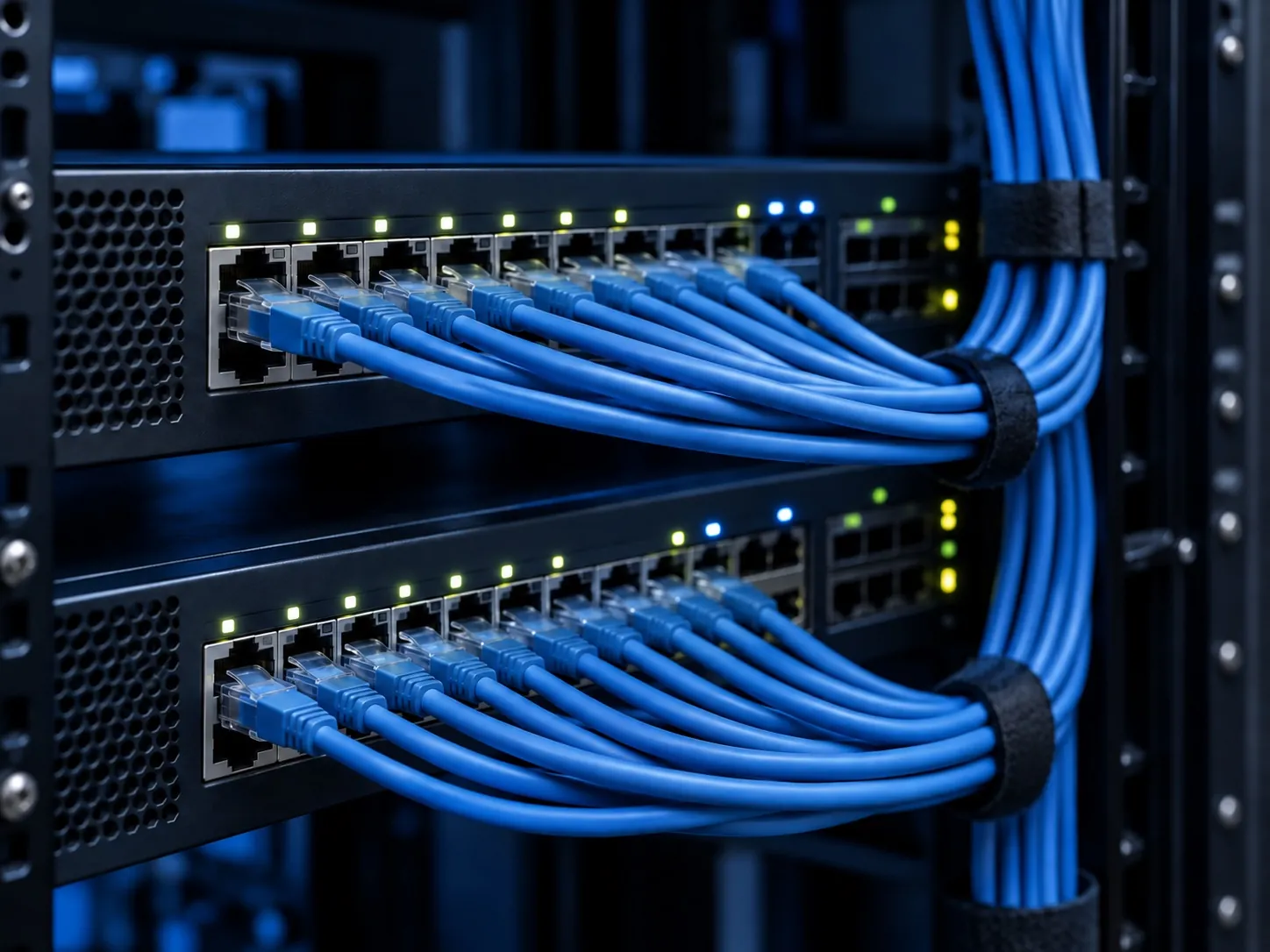
Computer Care handles networking requirements for offices, schools, colleges and institutions in Roorkee, Haridwar and Saharanpur. Talk to Satish about a new setup, an expansion or a network that is no longer working well for its users.
The starting point is your building, users and applications. A quotation based only on the number of routers can miss the cable routes, coverage, simultaneous connections and maintenance arrangements that determine whether the finished network fits the job.
What belongs in your networking scope?
- Wired connections and cablingIdentify the desks, labs and shared equipment that need connections. Discuss cable routes, endpoints and how new connections will fit the existing setup.
- Switches, routers and wireless accessShare what is already installed and the areas that need coverage. Equipment choices should follow the required connections and usage.
- Troubleshooting and maintenanceExplain which users or locations experience problems, when they happen and whether wired and wireless devices are both affected.
Wi-Fi coverage is only part of the requirement
A room can show a wireless signal and still struggle when many devices connect at once. Cisco’s wireless guidance distinguishes coverage from capacity: planning must consider the density of users as well as where a signal reaches.
Bring a floor plan if one is available, describe building materials or difficult areas and estimate the number of simultaneous devices. Ask whether an on-site assessment is needed before specifying access points. There is no dependable “one router per floor” formula for every building.
What affects networking project cost?
The project scope can include cable lengths and routes, outlets, switches, routers, wireless access points, installation work and support. Reusing suitable equipment is a different brief from replacing an entire setup. Clarify which items are included in the quote and which are supplied separately.
Discuss permitted downtime, access to occupied rooms and the installation sequence. For schools and colleges, connect the project with an institutional AMC discussion if ongoing computer and network support is also needed. Agree the project price, delivery schedule and support arrangements with Satish once the requirements are clear.
A practical brief for Satish
A fault affecting only one computer may need computer troubleshooting rather than a network replacement. Describe the pattern before buying more equipment.
| Share this | Why it matters |
|---|---|
| Rooms, floors and buildings | Shows where connections and coverage are needed. |
| Users and devices at busy times | Helps explain the actual load, not just the total staff count. |
| Applications and shared equipment | Identifies the work the network must support. |
| Existing equipment and faults | Distinguishes a repair or expansion from a new installation. |
| Timeline and support expectations | Sets the basis for scheduling and maintenance discussions. |
BEFORE YOU DECIDE
Networking questions before you request a quote
Will a faster internet plan fix slow office Wi-Fi?
Not necessarily. Internet service, local cabling, wireless coverage, device capacity and the individual computer can each affect performance. Explain whether the problem occurs on wired connections too and when it is most noticeable.
Can you expand an existing school network?
Discuss the current equipment, additional rooms and expected users with Satish. Whether existing components can be retained depends on the setup and the requirements.
How many access points will we need?
That depends on the building, obstacles, coverage goals and simultaneous users. Share the layout and ask what assessment is needed before agreeing a design.
Does installation include ongoing support?
Confirm the maintenance scope, warranty terms and support arrangements in your quote. Ongoing work can be discussed alongside an institutional AMC; it should not be assumed from the installation price.
Useful technical references
Cisco: wireless coverage and capacity ↗