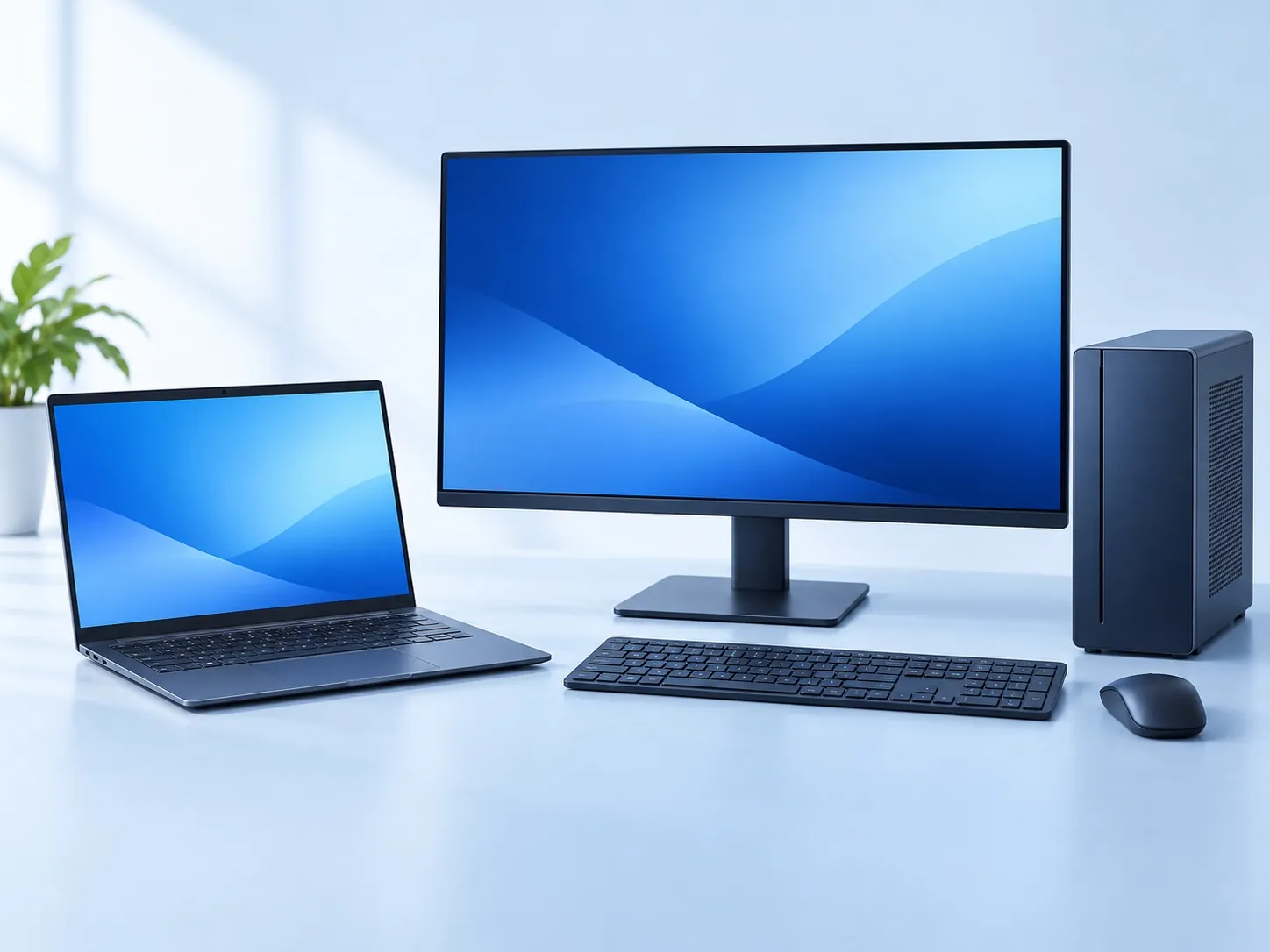
A refurbished laptop can be a sensible option when its condition and configuration match your work. The decision needs more than a familiar brand and a low price. Before buying in Roorkee, inspect the actual machine, understand its software support, and put the included accessories and support terms in writing.
Before you decide
- Inspect the exact laptop you will receive, including its charger and battery.
- Check official Windows compatibility; an installed system alone is not proof.
- Compare the total cost and written warranty or return terms for that unit.
Check the exact model and configuration
Ask for the complete model name and processor model, installed memory and storage. Compare the invoice description with the computer you are inspecting. If there are multiple units, ask which one will be supplied; a demonstration machine is not automatically the same unit you receive.
Discuss your applications before paying for upgrades. Ask whether the quoted memory or storage is installed, whether spare slots exist on that exact model, and whether any replacement parts are included in the price. A specification label should lead to a check, not replace it.
Test the parts you use every day
Open and close the lid gently, inspect the casing and hinges, and look at the screen on light and dark backgrounds. Try the keyboard, touchpad, webcam, microphone, speakers, Wi-Fi and the ports you need. Check that the supplied charger works with the unit and is in good condition.
Ask to use the computer briefly on battery as well as on external power. A short test can reveal an immediate problem, but it cannot establish all-day runtime or long-term reliability. Record any known faults or cosmetic damage before agreeing the price.
Do not treat the word “refurbished” as a universal inspection standard. Ask what testing or repairs were actually completed and who carried them out. Computer Care can discuss the available refurbished laptop options and the condition of a particular unit.
A practical inspection sheet for the exact unit
| Check | How to make the observation useful |
|---|---|
| Identity | Compare the unit and invoice: full model, CPU, RAM, storage and serial reference |
| Display | Read text and view plain light/dark backgrounds; record visible defects |
| Keyboard and touchpad | Try all keys, common shortcuts, click areas and gesture functions you need |
| Audio, camera and microphone | Make a local recording or agreed test without exposing personal accounts |
| Ports and wireless | Try the specific ports and a permitted connection with compatible accessories |
| Hinges and casing | Open gently, inspect mounts/edges and note damage or unusual movement |
| Charging and battery | Confirm the supplied charger, charging behaviour and model-specific health information |
| Software and accounts | Check supported OS, licence explanation and any remaining personal/management lock |
| Known faults | Record cosmetic issues, intermittent behaviour and exclusions in writing |
Use a calm, repeatable test rather than rushing through a specification sticker. A seller should identify the exact unit you would take home. If a defect is acceptable to you at an agreed price, record it; if it compromises your required work, a discount does not remove the limitation.
A short inspection cannot prove long-term reliability or the absence of every hidden fault. It can establish what you observed and what the seller agreed. Written warranty and return terms matter because inspection and after-sale support answer different questions.
Discuss battery health separately from the laptop price
Battery wear changes the usefulness of a portable computer. Ask for the manufacturer’s battery-health information for the model and clarify whether the battery has separate coverage. Dell provides battery-health checks for its laptops; use the relevant manufacturer guidance for other makes.
Do not accept a fixed runtime promise without understanding the workload and settings. If a battery or casing appears swollen or damaged, stop the inspection and seek appropriate service rather than charging or pressing on it. Battery replacement costs can change the overall comparison.
Check supported software, not just what is installed
Microsoft’s Windows 11 requirements include a supported processor, TPM 2.0 and Secure Boot-capable UEFI firmware. Seeing Windows 11 on a used computer does not, by itself, confirm official compatibility.
Ask the seller to explain compatibility for the exact unit and how the operating system is licensed. Also check your course or office applications. A machine that starts successfully in the shop still needs to support your actual work and its required software versions.
If you are comparing a refurbished desktop, apply the same software check and include the monitor, keyboard, mouse and any network adapter in the quote.
Compare two real units and the next-step cost
Use the same workload and checklist for each unit. Compare configuration, physical condition, battery, supported software and the cost of any immediate part or accessory. A replacement battery, missing charger or insufficient storage can change which offer is cheaper to make usable.
For a desktop, add the monitor, keyboard, mouse, cables and networking needed for your complete setup. Confirm whether the quote covers a system unit or a working workstation. Ask about the exact included monitor and its inputs instead of treating an illustrative picture as an inventory list.
Keep the purchase price separate from optional upgrades and migration. If you need a part installed, establish compatibility using the RAM, SSD and parts guide. Do not buy a machine below your needs solely because an unverified future upgrade is promised.
Get the complete quote and terms
List the laptop, charger, upgrades, required accessories and any immediate servicing. Ask what warranty or return terms apply to this unit, whether the battery or accidental damage is excluded, and whom to contact if a problem appears. Do not assume that a seller warranty is a manufacturer warranty.
Keep the invoice and a written record of the configuration and agreed conditions. No standard warranty duration, return window, stock level or price is promised by this article. These details depend on the actual offer.
For students, our IIT Roorkee laptop guide helps connect the inspection to course needs. For an existing slow or faulty computer, compare a repair or upgrade assessment before deciding to replace it. Visit Computer Care near Century Gate with your workload and complete budget.
At collection: confirm what changed and keep the record
Check that the machine supplied matches the inspected/quoted configuration and any agreed work. Repeat the functions most important to you: startup, charging, display, keyboard, camera and your permitted network test. Confirm the agreed installed software and included accessories before leaving.
Keep the invoice and written unit-specific coverage, including any battery or accidental-damage exclusions. If a symptom appears later, record the time, conditions and exact error and contact the seller through the agreed route. Do not assume that a manufacturer warranty applies just because the brand is familiar.
Computer Care also buys used laptops and desktops. If you are selling your old machine while replacing it, use the backup, account-removal and handover checklist. The purchase offer for your old device and the cost of the replacement should each be clear.
SAVE FOR LATER
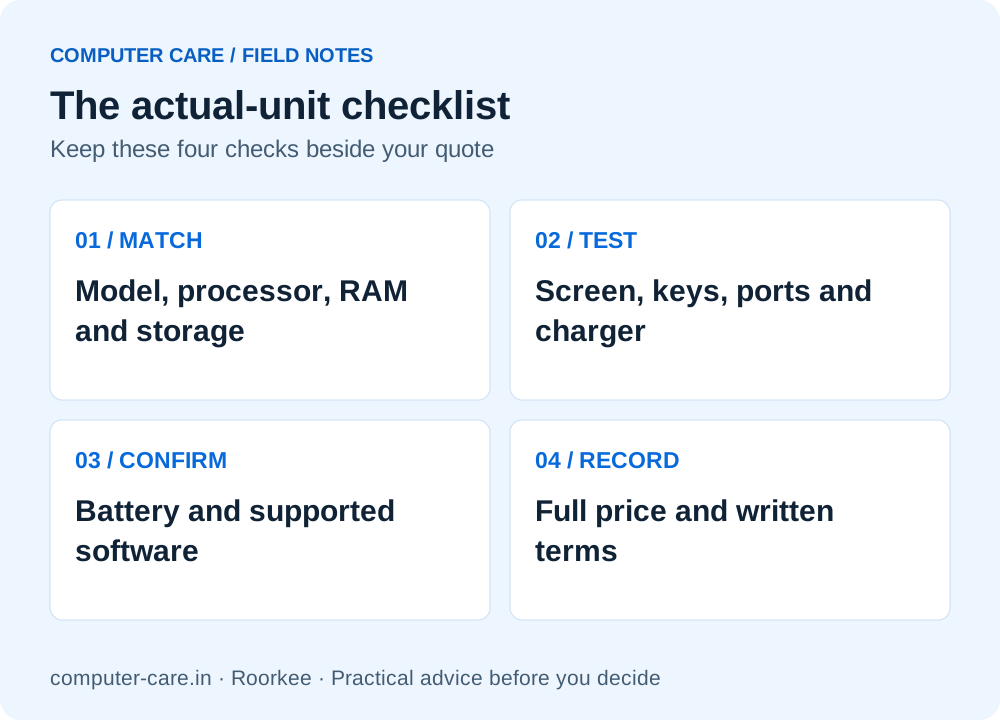
The actual-unit checklist
YOUR QUESTIONS, ANSWERED
Useful details before you call
Is refurbished always better value than new?
No. Compare the specific unit’s condition, software support, likely accessory or battery costs and written support terms with a new alternative. The lower sticker price is only one part of the decision.
Does Windows 11 being installed prove the laptop is supported?
No. Check the exact hardware against Microsoft’s requirements and ask how compatibility and licensing were verified. Installation alone does not demonstrate official support.
How long should a refurbished laptop battery last?
There is no single runtime for every used laptop. Battery condition, applications, screen settings and the model all matter. Ask for the relevant health check and agree any battery coverage separately.
Can customers from Haridwar inspect a laptop at Computer Care?
The shop is in Roorkee, near IIT Roorkee’s Century Gate. Customers from Haridwar can call before travelling to confirm the available units, configuration and inspection arrangements.
Are all refurbished units tested to one universal standard?
Do not assume so. Ask what inspection and repairs were performed on the exact unit, by whom, and what written coverage applies.
Should I keep using the seller’s personal account?
No personal-account transfer should be assumed. Ask for the device’s appropriate preparation and software-licensing explanation, with any management or account locks resolved through legitimate routes.
Can I sell my current laptop to Computer Care?
Computer Care buys used laptops and desktops, subject to assessment and a condition-based offer. Back up and follow the selling preparation guide before permanent transfer.
Sources & further reading
Research checked 8 Nov 2026. Community and directory questions help identify topics; technical guidance comes from the named documentation. They are not evidence of Computer Care prices, inventory or service terms.
- Microsoft: Windows 11 system requirements ↗Technical reference
- Dell: checking battery health on Dell laptops ↗Technical reference
- Community question: choosing a refurbished laptop for college ↗Question research; individual discussion, not stock or price evidence